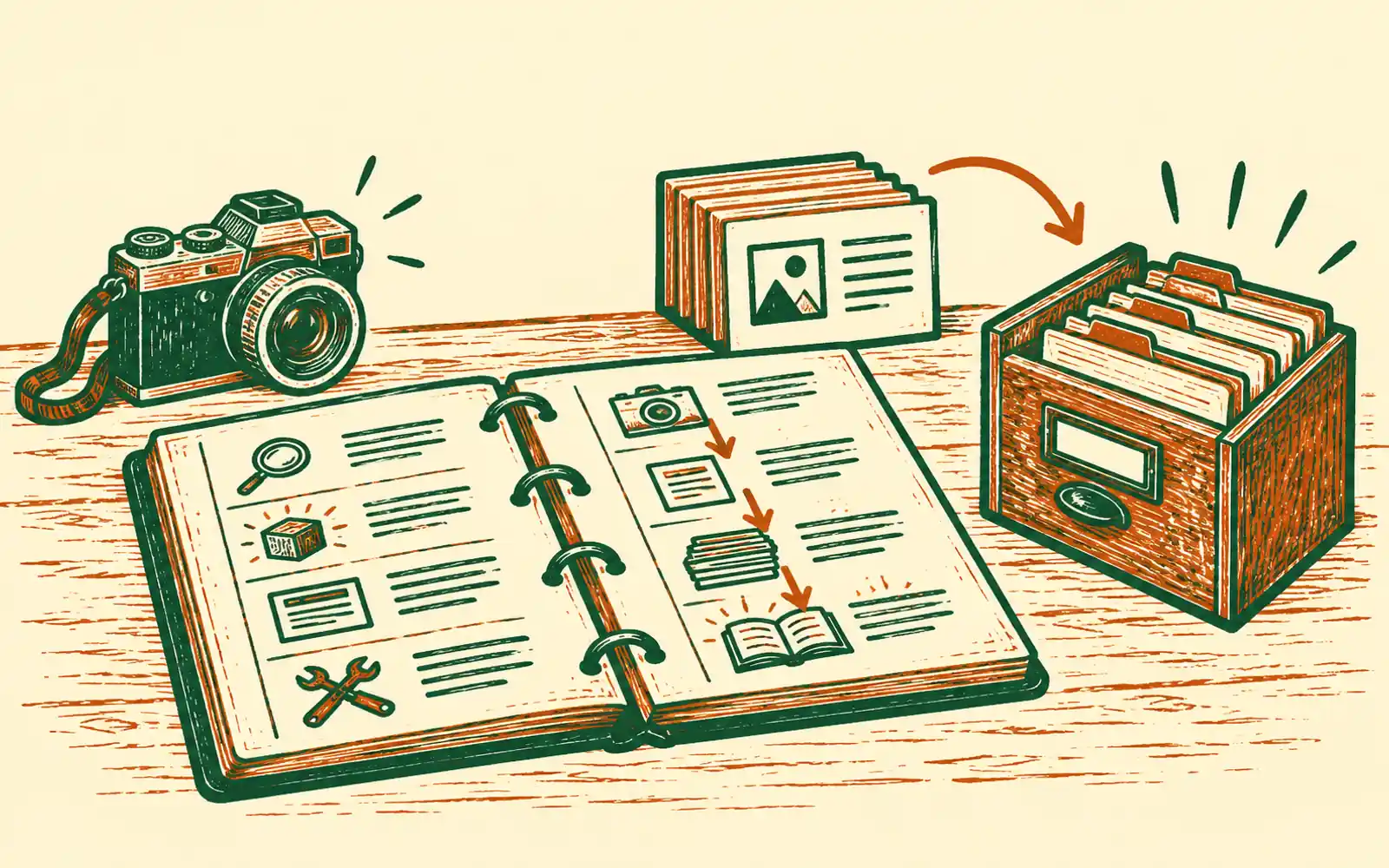
A product help centre usually begins in the wrong place. Somebody opens a blank document and starts writing the pages they can remember.
That produces pages, but not coverage. The happy path gets explained twice, an administrator setting goes missing, error states are left to support, and screenshots become anonymous files nobody knows how to replace.
The better unit of work is not the article. It is the product journey.
We learned that again while building HireBest's help site. One screenshot crop was physically 320 by 960 pixels, but its page declared it as 1,440 by 900. The browser did exactly what it was told and rendered a narrow crop at roughly 792 by 2,372 pixels. The image was present, the link worked and the article passed a superficial review. It was still unusable.
That is why bernard's new recipe treats documentation as a small product system: evidence, coverage, governed images, navigation, search, checks and maintenance.
1. Set the publication boundary
Decide what the help centre may say before gathering material.
Name the readers and their roles. Name the product areas that are public, the ones that are confidential, and anything security-sensitive that should never become a troubleshooting guide. Choose an approved test account filled with synthetic data. Name the people who approve the page plan, screenshots and final publication.
This is more than housekeeping. It stops real customer names, internal URLs, private methodology and implementation detail leaking into otherwise useful instructions.
2. Map the real product
Walk the product rather than its marketing claims. Record:
- roles and permissions
- first-use and everyday journeys
- settings and account management
- failure states and recovery paths
- integrations and data behaviour
- technical reference that a customer may genuinely need
Put each item in a coverage ledger and mark it covered, excluded or unknown. Unknown is a useful state. It creates a question for the product owner instead of an invented answer for the reader.
For HireBest, this became 51 task guides, 64 governed screenshots and 13 groups on the help home, plus the index itself. Those numbers are not a general target. They are the output of that product's map.
3. Organise around customer intent
The navigation should use the customer's work, not the company's org chart. "Conduct interviews" is useful. "Realtime capture subsystem" is not.
Give each guide one job. Put technical reference alongside task guidance but do not mix the two. A customer trying to fix a microphone should not need to read the data-retention model before finding the relevant controls.
Keep the home page short enough to scan. Groups should reveal the shape of the product, while search handles the person who already knows the words they need.
4. Give every guide the same contract
A useful guide answers seven things:
- What will I achieve?
- What must be true before I start?
- What do I do?
- What should I see when it works?
- What commonly goes wrong?
- What permission or privacy consequence matters here?
- What will I probably need next?
This contract makes articles easier to review and gaps easier to see. It also keeps headings under control. A short guide does not need a heading above every sentence.
5. Treat screenshots as governed evidence
Capture screenshots only from the approved test environment and only with synthetic names, emails and content. For every image, retain a small register: the product route and state, viewport, crop, alt text, product version and date.
Then read the image file's real width and height. Do not infer them from the screen it represents or copy dimensions from another image. Constrain its rendered width to the article column and let the height remain proportional. If detail matters, let the reader open the full image rather than stretching the inline version.
This turns a screenshot from decoration into replaceable evidence. When the product changes, the register tells you which images have become false.
6. Assemble the help experience
The pages need less chrome than a marketing site: a compact header, clear browse navigation, a selected group, readable article measure and a small consistent footer. Search should index the visible guide cards, so there is no separate database to keep in step with the pages.
Each guide needs its own address, title, description, canonical link and related
guides. The site also needs a sitemap, robots instructions and an llms.txt file
so search engines and AI assistants can find the same public material a person
can.
7. Check the system, not just the prose
Verify every changed page and every internal link. Render the help home and a guide from each family at phone and desktop widths. Look for overflow, crowded headings, long lines, missing selected states, swollen footers and images whose intrinsic and rendered shapes disagree.
Test full-text search on the served site. Test the full-size image action. Check the public pages one more time for customer data, private URLs and confidential details.
Only then is the draft ready for an owner to approve.
8. Make maintenance part of the recipe
Documentation has no meaningful finish line while the product is changing. The coverage ledger supplies a better rule: when a journey changes, reopen its row, update the affected guides and replace the screenshots whose recorded state no longer matches.
Bernard now carries this whole method as the Build a product help centre recipe. It is MCP-only because the connected AI needs access to the product or repository outside bernard. Bernard provides the site, asset controls, native search, draft checks and publishing gate. The connected AI supplies the product evidence. The owner supplies the boundaries and the final yes.
That division is the point. It makes a help centre repeatable without pretending that documentation can be generated safely from a product name and a handful of marketing pages.
Questions people ask
- What makes product documentation complete?
- A coverage ledger. Map the product's roles, permissions, main journeys, settings, failure states, integrations and technical reference, then mark each item covered, excluded or unknown. A long page count alone proves nothing.
- Should product help use screenshots?
- Yes, when a picture resolves a visual question faster than prose. Use synthetic data, record what state and product version the image shows, measure the real file dimensions, keep it inside the reading column and make it easy to replace when the product changes.
- Can bernard build a help centre for my product?
- Yes, through the MCP-only Build a product help centre recipe. A connected AI inspects the product or repository, while bernard supplies the governed site, uploaded assets, search, draft verification and approval-controlled publishing.