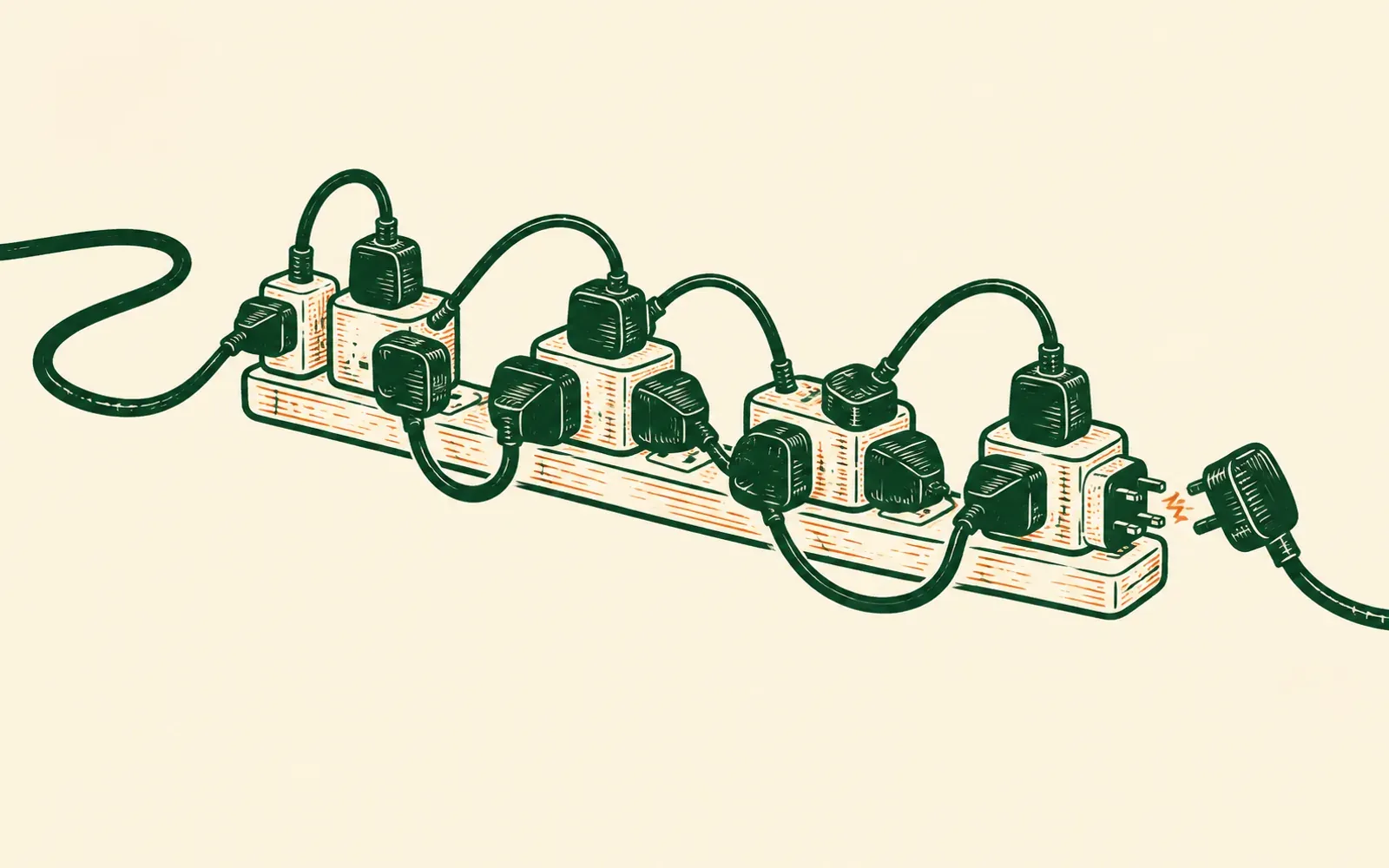
Every WordPress site comes with a small job that never ends. A plugin wants updating. Then another one. You click the button, or you leave it for later, and either way there is the same small worry: will this one break something?
If plugin updates have turned into a chore, or one has already broken your site, this page is for you. It explains why updates break things, what WordPress’s automatic updates really do, and the other option: a home with no plugins to update at all.
Why a plugin update breaks things
A plugin is a small piece of software, written by somebody else, that adds one thing to your site: a contact form, a gallery, a cookie banner, a cache to make pages faster, a page builder. Each one is updated by its own author, on its own timetable. Most sites run a dozen or more.
Every plugin is written on the assumption that the others stay as they are. When one changes, another can stop working, or the two can start to clash. That is a plugin conflict, and it is why an update that fixed one thing can break another. Usually the damage is small: a form that stops sending, a page that suddenly looks wrong. Sometimes it is the whole site.
WordPress knows this happens often enough to build a safety net for it. Since version 5.2, when a plugin or theme causes a serious error, visitors see a screen saying the site is experiencing technical difficulties, and the site owner gets an email with a link into a recovery mode to put it right. It is a good safety net. It is also a measure of how ordinary the problem is.
What automatic updates really do
Since version 5.5, WordPress can update plugins for you. It is not switched on by default: you turn it on plugin by plugin, from the Plugins screen. Once it is on, WordPress runs its automatic updates twice a day and emails you to say what happened, including when an update failed.
That takes the clicking away. It does not take the risk away. An automatic update can break a page just as a manual one can, only now it happens while you are asleep. WordPress’s own guidance is to make sure you can roll the site back to an earlier version before you switch automatic updates on. So the chore changes shape: fewer clicks, more backups, and the same small worry in the morning.
Why you cannot just stop
Once the site works, it is tempting to leave the updates alone. WordPress’s own documentation is plain about why not: to keep your site secure, you should always update your plugins and themes to the latest version. A plugin left a version behind is one of the ordinary ways into a WordPress site, and what happens when one is used against you is a page of its own.
So there are two risks, and you choose between them every time the update alert appears in your dashboard. Update, and something might break. Wait, and the door stays open.
Too many plugins?
People worry about the number, and the number matters less than it seems. What matters is what each plugin does, whether anyone keeps it up to date, and what else it touches.
But every plugin is another author, another update and another thing that can clash with the rest. A site that needs one plugin for its forms, another for its search settings, another for speed and another for security has four jobs running on it, and each one is a small subscription or a small risk, often both. All those website subscriptions lays out what that pile usually costs.
What a move changes
When Bernard moves your site, he reads every page as a visitor sees it and rebuilds each one as a plain file in a new home. The plugins stay behind. So does WordPress itself, and its database.
That is the end of the update chore, not a better way of doing it. There is nothing on the new site to update: no plugins to fall behind, none to clash with each other, and no morning where an update broke the site overnight. What your plugins did for your pages, the layout and the look of each one, comes across as part of the page. The jobs a search-settings plugin did are built in: page titles, descriptions and the sitemap, changed by asking in plain words.
Every post, every page and every old link comes across, kept and redirected so the searches that find you now still do. The plain version of that is in How to move your website without losing your Google rankings.
After the move, you change things by saying what you want in your own words, and Bernard does it. There is no plugin to find, install and keep updated for each new thing you want the site to do.
What a move does not do
Some plugins do work behind the scenes that is not part of any page: taking bookings, handling live subscriptions, or running a tool somebody built just for you. Bernard moves pages, not that machinery, and he cannot see into rooms that sit behind a login. If your site relies on something he cannot carry, he tells you plainly at the measuring-up, with the reason, before any money changes hands.
The old WordPress site is not changed either. It stays where it is until you point your web address at the new one, and after that it can be switched off.
What it costs
£200 a year, with the move included. That is the whole price: no plugin licences, no security plugin, no hosting upgrade and no renewal jump. Your web address stays in your own name.
If you would rather keep WordPress and pay someone to mind it for you, what a maintenance plan should include sets out what to expect and what it usually costs.
See your own site moved, free
Paste your web address in and Bernard measures it up. Then your whole site is moved into its new home, with no plugins in it, and it is yours to try for 14 days. Nothing to install, and nobody is charged for looking.
Questions people ask
- Why does a WordPress plugin update break my site?
- Because each plugin is written by a different author and updated on its own timetable, and each one assumes the others stay as they are. When one changes, another can stop working, or the two can clash. That is a plugin conflict. Usually the damage is small. Sometimes it takes the whole site down, which is why WordPress has shown visitors a technical-difficulties screen, and emailed the owner a recovery link, since version 5.2.
- Should I turn on automatic plugin updates?
- It stops the clicking, not the risk. Since WordPress 5.5 you can switch automatic updates on plugin by plugin, and WordPress then runs them twice a day and emails you about them. An automatic update can still break a page, only overnight, which is why WordPress advises making sure you can roll the site back before you switch them on.
- Can I just stop updating my plugins?
- Not safely. WordPress’s own documentation says that to keep your site secure you should always update your plugins and themes to the latest version. A plugin left a version behind is one of the ordinary ways a WordPress site gets hacked.
- How many plugins is too many?
- There is no safe number. What matters is what each plugin does and whether anyone keeps it up to date. But every plugin adds an author, an update and something that can clash with the rest, so fewer is calmer.
- If I move, what happens to my plugins?
- They stay behind, along with WordPress itself. What they did for your pages, the layout and the look, comes across as part of each page, and search settings such as page titles and the sitemap are built in. Anything a plugin did behind the scenes, such as taking bookings or handling live subscriptions, is checked at the measuring-up, and Bernard says plainly if it cannot come, before you pay anything.
- What does it cost?
- £200 a year, with the move included and no plugin licences on top. You try your own site, moved in, for 14 days first.