If you have ever moved a website, you probably remember the switch-over day as the frightening part. The new site is ready, the old site is still live, and somebody has to "change the DNS". It sounds like the part where things break.
It is not. It is one of the most routine jobs on the internet. Done in the right order, it is one small change. Here is what happens, in plain words.
Running a small business should be simpler. It should not mean spending your time and money on a growing collection of website tools, subscriptions and services, or having to understand SEO, keep up with Google and become an expert in AI just to help customers find you. That is why we built Bernard, an AI-assisted website and marketing platform for small businesses. He builds a new site or moves an existing one, keeps it fast and readable to search and AI tools, and looks after it. Once measuring is on, he reads your numbers each week and suggests what to do next, with a button that does it. On the Medium and Large plans he also plans your marketing every six weeks and drafts your posts, emails and pages. Everything lands on a draft you approve, for one flat price per site, so you can concentrate on what you do best, knowing your website is doing its job.
If DNS has ever confused you, it is not you
DNS is one of the oldest and messiest parts of the internet. Every domain company shows it on a different screen, with different names for the same thing. Some call it "DNS", some call it "zone file" and some call it "advanced settings". Some fill in boxes for you, and some hide the one box you need. Many experienced web developers still look up the steps every time.
So if you have opened your domain settings, seen a table of letters and numbers and closed it again, you did the sensible thing. The confusing part is the system, not you. You do not need to understand all of it. You need to know which one line changes, and which lines stay as they are.
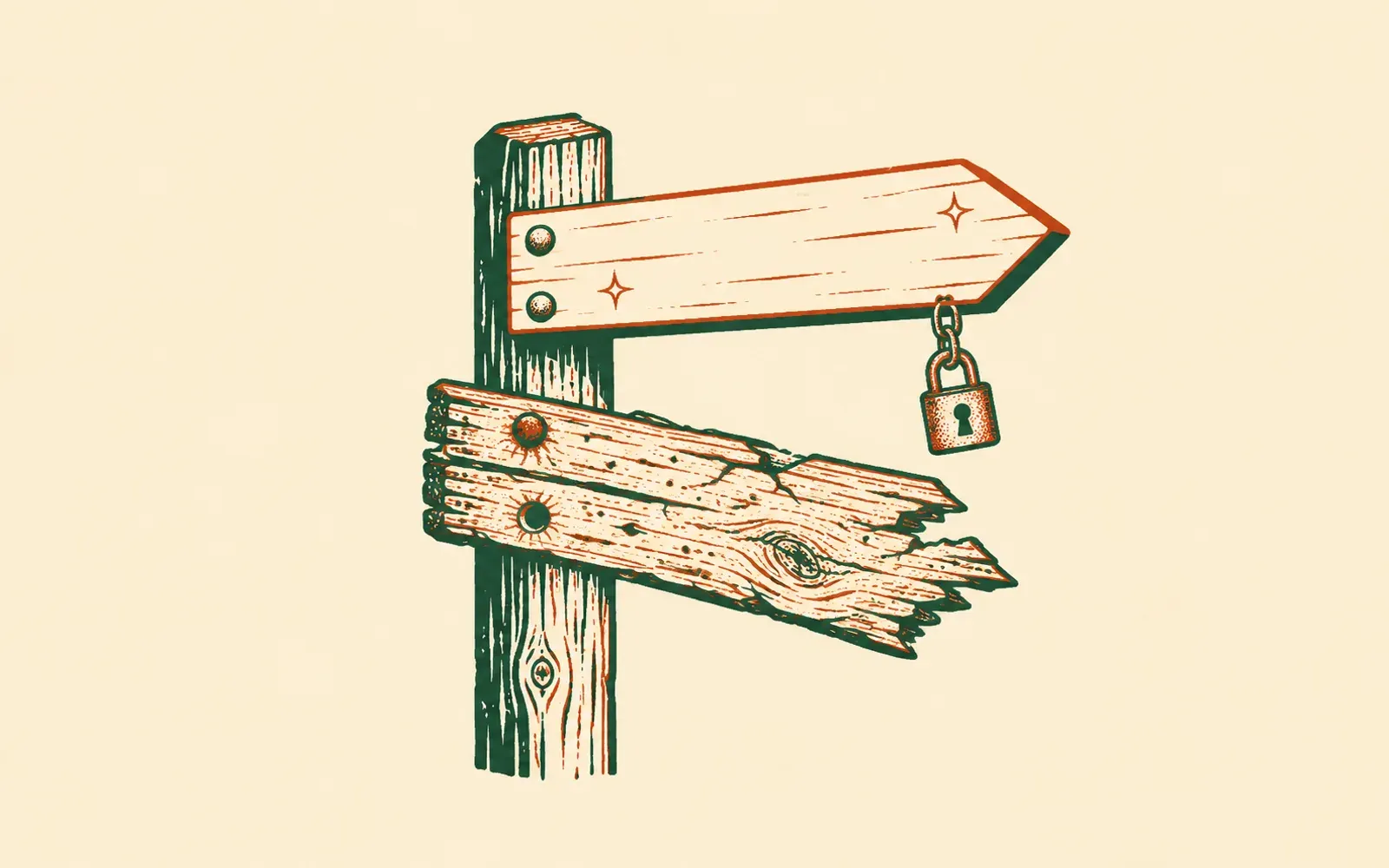
Your address is a signpost
Your web address (your domain) does not hold your website. It points at it. The directions sit in a short list called DNS: one line says where the website lives, others say where your email goes. DNS in plain English explains each part.
A move does not take your address anywhere. It repaints one arm of the signpost so that it points at the new building. You keep the address. The email arm stays as it is.
Step one: nothing changes while the new site is built
The old site keeps running the whole time. Customers notice nothing. The new site gets built and checked at a temporary address first, so you can see it before anyone else does.
Step two: write down every direction before touching any
Before the switch, someone records every line in your DNS: email, the records that keep your email out of spam folders, and the small verification lines that Google, Microsoft and others ask you to add. The rule is simple. Change only the website line. Leave everything else as it is.
Step three: the padlock is made first
Browsers show a padlock when a site has a security certificate. The new site needs its own certificate, and issuing one can take a few hours. So it is done in advance. One or two extra lines go into your DNS. Visitors cannot see them, and they do not change the live site. They prove the address is yours, and the certificate gets issued in the background.
When the switch happens, the padlock is already waiting. Nobody sees a security warning.
Step four: one line changes
On the day, one line changes: the one for the www version of your address. It now points at the new site instead of the old one.
The change spreads across the internet over a short time, usually minutes and sometimes a few hours. During that time some visitors still reach the old site and some reach the new one. Both are working sites, so nobody sees a gap.
Step five: the short version of your address follows
Most people also type your address without the www. That version gets a forwarding instruction that sends visitors, and Google, to the www address with the rest of the link intact. A link to an old page still arrives at that page. Why that matters is in How to move your website without losing your Google rankings.
The safety net: one line back
If anything looks wrong, you put the old line back and the address points at the old site again. That is why the old site stays running for a while after the switch. You close it when you are happy, not before.
Words you might hear
Domain. Your web address, such as yourbusiness.com. You rent it in your own name, and it moves with you.
DNS record. One line in your address's list of directions. One line points at the website, other lines point at your email.
Apex. Your address with nothing in front of it: yourbusiness.com. It is sometimes called the "root" or the "naked" domain. Many hosts cannot point it straight at a new site, so it usually forwards visitors to the www version instead. That is normal, and Google follows the forwarding.
www. The version of your address with www. in front. On most moves, this is the line that changes.
Certificate. The file behind the padlock. It proves to the browser that the site at your address really is yours.
Noindex. A note on a page that asks Google not to list it. While your new site is built at its temporary address, every page carries this note, so Google does not find two copies of your business and wonder which is real. When your own address points at the new site, the note comes off and Google lists the pages as usual. If someone tells you "the new site is noindexed", ask whether that is the temporary address (correct) or your real one (needs fixing).
Propagation. The time a DNS change takes to reach everyone. Old directions are remembered for a short while, so the change arrives in stages.
Who makes the change
Whoever looks after your DNS: you, your web person, or whoever you buy your domain from. The change takes a few minutes. Most of the care goes into the steps before it.
How Bernard does it
Bernard knows DNS well, and he does not guess. Before anything changes, he looks up your address from the outside: who holds it, which company runs its DNS, and where your website and email point today. Then he tells you exactly what to do for your setup. That is not a generic checklist, because a domain at Cloudflare needs different steps from one at GoDaddy or IONOS.
Stuck in your domain company's settings? Take a screenshot of the page in front of you and paste it into the chat. Bernard reads it and tells you the next click, what to type in each box, and which lines to leave alone. He reads the screenshot once and does not keep it.
He shows you each line to add, written out in full, with a copy button beside it. Your email lines stay as they are. Bernard switches your address over only when everything is in place, padlock and all, and he emails you the moment it is live. The email also confirms that your own email and your old site are as they were. For the short version of your address, he names the company that manages it and gives the safe way to forward it with that company. After that, he checks your records every 15 minutes, around the clock, and tells you if one disappears. Connecting your domain shows the steps in the app.
See what Bernard would do with your business. Already have a website? Paste its address and he measures it up, free, and shows you the new place before you decide anything. Starting from nothing? Tell him what you are building.
Questions people ask
- Will my website go offline during the switch?
- No. Your old site stays live until the moment the address points at the new one. While the change spreads, some visitors reach the old site and some reach the new one, and both work. No visitor finds an empty page.
- Will my email stop working?
- No. Email follows its own records, separate from the ones for your website. A careful switch changes only the website records and leaves the email records exactly as they are.
- What is the padlock, and could it break?
- The padlock in the browser comes from a security certificate. The new site gets its certificate before the switch, through a small record that visitors never see. When the address moves, the padlock is already there.
- Can we go back if something looks wrong?
- Yes. Putting the old record back points the address at the old site again. The old site keeps running until you decide to close it.