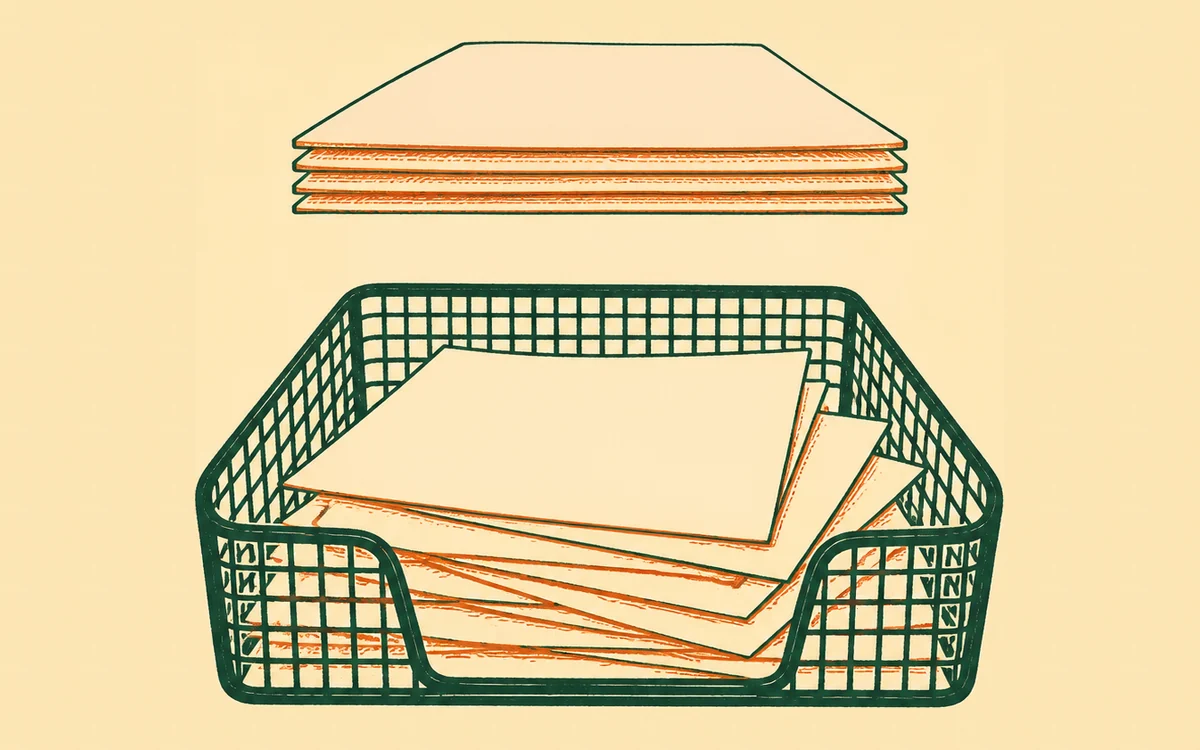
I’ve uploaded the same photo twice - clear out my duplicates
First, the good news: exact copies never pile up on a bernard-hosted site. When your site moves in, and every time a file arrives after that, identical files are folded into one automatically - upload the same photo twice and you still have one photo. So if your library looks tidy, it probably is.
The prompt
“Find duplicate photos in my library and help me clear out the copies I don’t need.”
Signed in, Get my prompt fills in your site for you. Otherwise press Copy and fill in the [bracketed] parts. First time? Connect your AI to bernard once: Use your own AI (opens in a new tab).
What that can’t catch is the near-copy: the same photo uploaded again by hand at a different size, saved in a different format, or squeezed by a compressor on the way. Those aren’t identical files, so each gets its own card - and six months later nobody remembers which one is the original. That’s what this clears up, by asking; no downloading files to compare them by eye.
It spots duplicates even when the files differ
Every photo gets a visual fingerprint the moment it arrives. That means the library can recognise the same image at different sizes, saved in different formats, or re-uploaded after a compressor squeezed it - copies a filename or file-size check would miss. Ask your assistant to find your duplicates and it returns the sets in one pass: each group of near-identical photos, side by side, with sizes and where each copy is used.
This is the layer on top of the automatic folding above: it clears out the subtler kind of duplicate - the copies that are the same picture but not the same file.
You choose, it tidies
For each set, your assistant recommends which copy to keep - usually the biggest, since a resized copy weighs less than what it came from - and lists the spares. It will also tell you honestly when a set is only a possible match rather than a certain one: two photographs from the same shoot can look alike to a fingerprint without being the same picture, and those are offered for your eyes rather than tidied away. Photos in your brand kit and photos currently on a page are protected: a spare that a page still uses gets that page pointed at the kept copy first (an edit that waits for your approval, like any other), and only then is the spare’s card tucked away.
Nothing is ever truly deleted. Archiving a duplicate hides its card from the library, and asking brings it back exactly as it was. If a set looks more “similar” than “same” - two shots from one shoot, say - your assistant says so plainly, and you can compare them on your Library page before deciding (Where’s that photo of ours - the one from the summer market? shows what each copy is doing right now).
When to run it
Mostly: after you’ve been uploading by hand. A big batch from your phone or camera, or re-sending a photo you’d already added at a different size, is where near-copy sets come from - your moved-in site’s exact copies were already folded together on arrival, though an old site that kept the same photo at several sizes can still leave a set or two worth clearing. There’s no harm in asking on a tidy library: if there’s nothing to clear, it says so and stops.
Questions people ask
- Doesn’t bernard stop duplicates automatically?
- For exact copies, yes - identical files are folded into one automatically, both when your site moves in and on every upload after that. This is for the copies that slip past: the same photo uploaded again by hand at a different size, in a different format, or after an edit, which count as different files.
- How do I find duplicate photos in my library?
- Ask the AI you already use - ChatGPT, Claude or Gemini - to find your duplicate photos. Every photo gets a visual fingerprint when it arrives, so it spots the same image even when the copies are different sizes or were saved twice, and shows you each set side by side with a recommendation of which one to keep.
- Does deleting a duplicate actually destroy the photo?
- No. The spare copies are archived, not destroyed - they disappear from your library view but can be brought back any time by asking. Nothing on your pages changes either: if a page was using one of the spares, the AI points that page at the kept copy first, and that edit waits for your approval like any other.
- Which copy should I keep?
- Usually the biggest one - the original beats its resized copies, because you can always make a small version from a big one but never the reverse. The AI recommends the keeper for each set and protects anything in your brand kit or in use on a page; you always confirm before anything is tucked away.
- Will it mistake two similar photos for duplicates?
- It keeps the two apart deliberately. Copies that share an identical fingerprint are presented as duplicates; anything that merely looks similar is offered as a possible match, in pairs, for you to eyeball - the AI won’t call those duplicates. Blank and spacer images are skipped entirely, since they look alike to any fingerprint without being copies of anything. And if a set turns out to hold photos you have named differently - two guides sharing one cover design, say - it says so and asks you to check, because a fingerprint reads shapes and light, not the words on a picture. Nothing is archived without your yes, and archiving is reversible anyway.