Ask people for a review after they finish a course
Most review requests are quietly dishonest. They go out only to the people who looked happy, or they open with “if you enjoyed the course” - which tells the reader, before they have written a word, which answer is wanted. What comes back is not a review. It is a testimonial you asked for in advance, and readers can tell.
The prompt
“Set up the review request journey for my course. Send the words [to a reply / to this page: your link], and [do / don’t] include the quiet reminder.”
Signed in, Get my prompt fills in your site for you. Otherwise press Copy and fill in the [bracketed] parts. First time? Connect your AI to bernard once: Use your own AI (opens in a new tab).
The review request journey is built the other way round. It starts when somebody actually finishes your course - every lesson done, every required quiz cleared - and it asks all of them the same thing, in the same words.
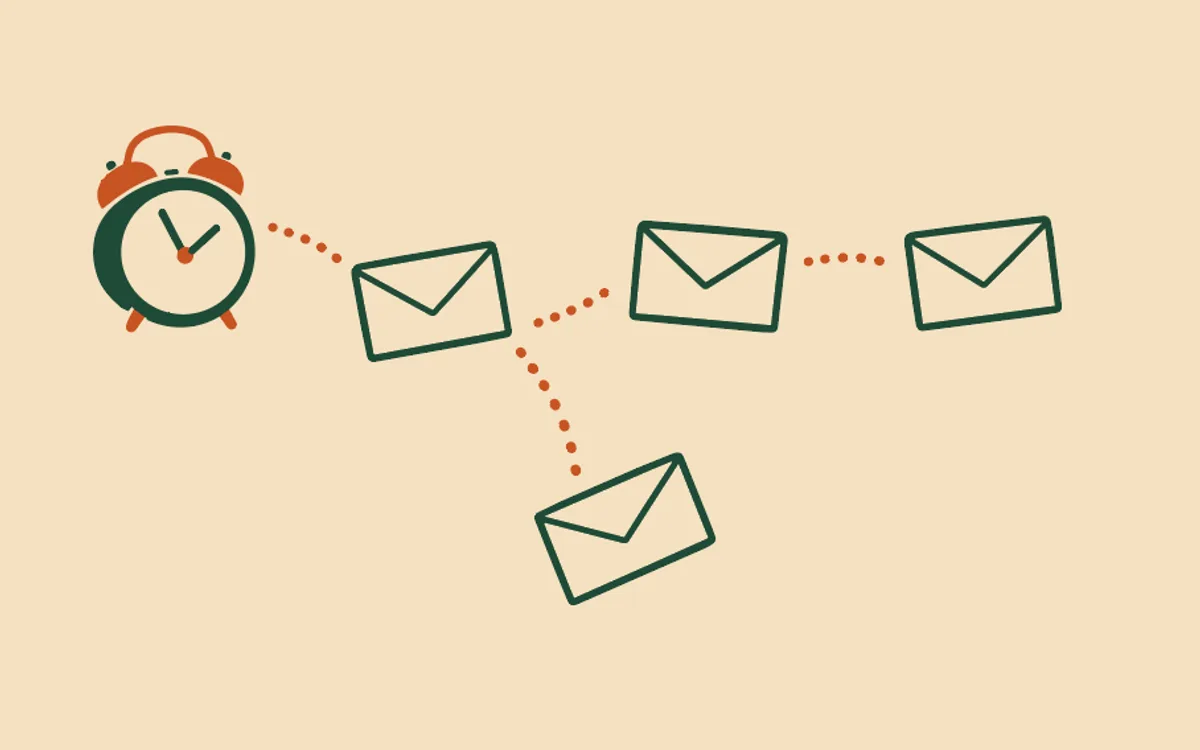
What it sends. At most two emails. About three weeks after they finish, one short email asking one question: would they recommend you? It offers the line that actually gets people writing - “a line or two in your own words would mean a lot” - and says where to put it, either a reply straight back to you or a link to a page you name. Four days later, if you want it, one quiet reminder. There is no third email, no offer, and nothing dangled in return for a good word.
What it never says. No “if you liked it”. No “if the course was good to you”. Those are conditions, and a conditional ask is a request for praise wearing a review’s coat. The question is asked flat, and whatever comes back is what people actually think.
What stops it. The ordinary two: the person unsubscribes, or you switch the journey off - see Change or pause my automatic emails. Bernard cannot see a review somebody left on another website, so the reminder is written to land kindly whether or not they have already said something. If you would rather not risk asking twice, leave the reminder off when you approve the journey and it sends one email, once, and then never again.
Setting it up. On the Automatic emails tab, press “Ask Bernard to set this up” on the review request row. Bernard reads your course, writes both emails in your voice, and shows you the plain summary every journey ends with: starts when, they receive, stops if, maximum emails. Nothing goes anywhere until you say yes. How do automatic emails work? covers the rules every journey follows, and Who actually receives my automatic emails? explains why only people with a real relationship to you can be emailed at all.
Questions people ask
- When does the review request go out?
- About three weeks after someone finishes your course - long enough that they have had a chance to use what they learned, soon enough that it is still fresh. The default is 20 days, and you can move it anywhere between a week and a month before you approve it. An optional second email, four days later, is the only reminder it will ever send.
- Does it only ask the people who seemed happy?
- No. Everyone who finishes gets the same email, worded the same way. Asking only the people you expect to praise you is how businesses end up with a wall of reviews that reads as bought - and it is not what you would get if you had asked properly.
- Why doesn’t it say ‘if you enjoyed the course’?
- Because that sentence tells the reader which answer you want before they have written anything, and what comes back is no longer a review. The email asks one plain question - would you recommend us - and leaves the answer entirely to them.
- Where do the words end up?
- Wherever you choose when you set it up: either a plain reply that lands in your inbox, or a link to a page where people leave a review. Bernard shows you which one it will say before you approve it, and you can change it afterwards.
- What if someone has already written something?
- Bernard can’t see reviews left somewhere else, so the reminder is worded to read kindly either way - it never claims you have been ignored. If you would rather take no chances, leave the reminder switched off and the journey sends one email only.
- Do I get to see the emails first?
- Yes. Nothing is sent until you have read the plain summary and both emails and approved them, the same as every other journey. You can rewrite any word, change the timing, or switch the whole thing off later.