How do automatic emails work?
Some emails shouldn’t wait for you to remember them. The welcome when a student enrols, the thank-you when a piece sells, the gentle reminder to someone who signed up but never confirmed - these matter most in the hours and days after something happens, which is exactly when you’re busiest.
The prompt
“Explain the email journeys my site can run, which ones are switched on right now, and what each one would send and when.”
Signed in, Get my prompt fills in your site for you. Otherwise press Copy and fill in the [bracketed] parts. First time? Connect your AI to bernard once: Use your own AI (opens in a new tab).
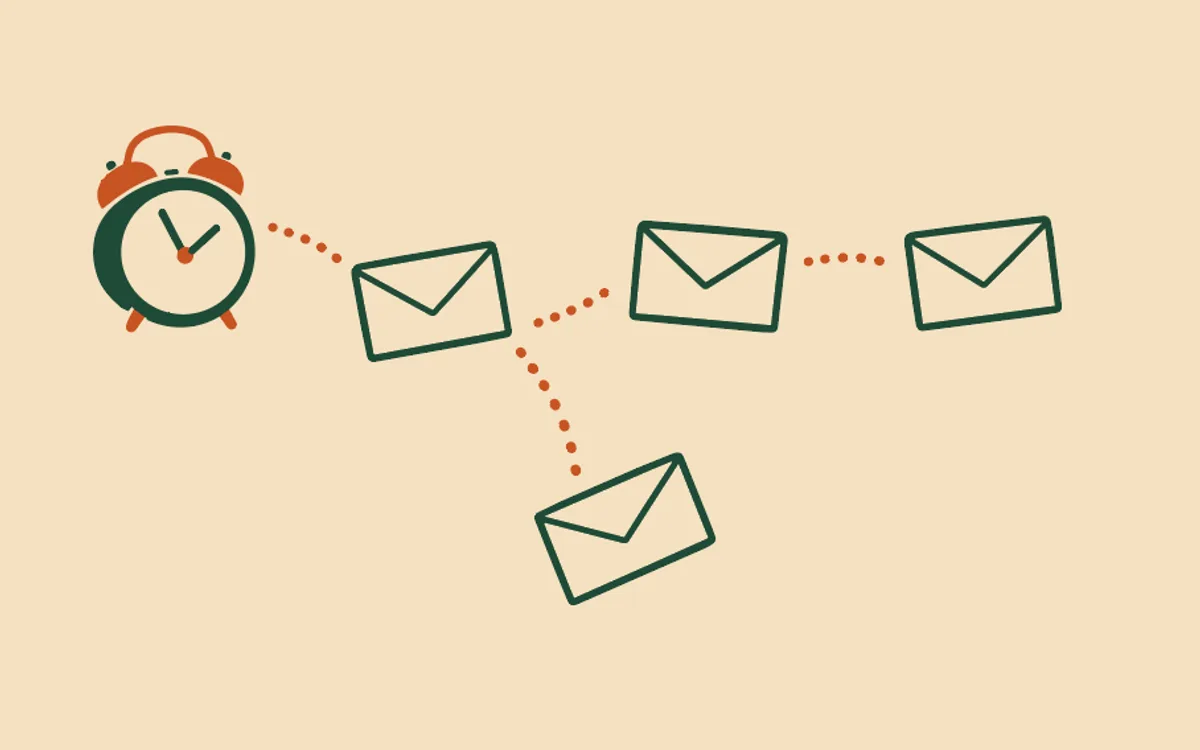
Bernard calls these journeys. A journey is a short, fixed series of emails tied to one real event. It starts when the event happens, sends a few emails on a schedule you chose, and stops - when the series ends, when the person unsubscribes, when a purchase is refunded (or, for enquiries, when you mark it resolved; for new students, when they finish the course), or the moment you switch it off. To pause just one person, give them the “on hold” tag: Pause the automatic emails for one student. Today your site knows ten. Eight of them are fixed series:
- Remind people who didn’t confirm their signup - one nudge to someone who signed up but hasn’t pressed the confirmation button. A switch, nothing more.
- Thank people after they buy - a thank-you, care advice for what they bought, and later a polite ask for a review.
- Look after a new student automatically - a welcome with access details, getting-started help, and a check-in while they work through your course.
- Welcome a new subscriber automatically - a proper hello, your best work, and an optional pointer to what you offer, for every subscriber who confirms.
- Deliver a course by email automatically - lessons delivered by email on a schedule, from the moment someone enrols.
- Follow up on enquiries automatically - a gentle check-in on an enquiry, honest about the fact bernard can’t see your replies, until you mark it resolved.
- Announce to everyone on my waiting list - a warm hello while people wait, then one announcement to everyone still on the list the moment you press “Open the doors.”
- Ask people for a review after they finish a course - one plain ask, and an optional quiet reminder, to everybody who finishes your course. The same words for all of them, never only the people you expect to praise you.
The ninth is not a fixed series. Email my students when they reach each point in my course is one set of up to 20 emails for one course, each started by what a student does - finishing a lesson or a module, passing a quiz, finishing the course - with rules that skip an email when it no longer fits.
The tenth is a set of emails started by a tag: give someone a tag, and the emails go to them from that moment, the way a list sign-up works. See Start automatic emails when I give someone a tag.
Three principles hold for every journey, and they’re worth knowing because they’re the whole design:
You approve everything before it exists. Setting up a journey is a short conversation with Bernard - he reads your site and your course or shop first, asks only the few questions he can’t answer himself, writes every email in your voice, and then shows you a plain summary: starts when… they receive… stops if… maximum emails. Nothing runs until you’ve read that and said yes.
Only people who said yes can receive anything. Your customers and students are in because they bought from you; sign-ups are in only after they confirm. There is no setting to get this wrong - Who actually receives my automatic emails? explains exactly who’s in and who isn’t.
It stays yours to change. Rewrite any email, pause the whole journey, or switch it off - see Change or pause my automatic emails. Each email can greet the person by first name and name their course: Put each student’s name and course in my automatic emails. And when you have one-off news that shouldn’t wait for an event - a sale, a new course - that’s not a journey; it is a campaign. Your customers lets you write and edit unsent work under Email campaigns, then keeps finished sends as read-only history. The Automatic emails tab holds the journey controls and sender. How do email campaigns work? explains the separate audience, preview, test and final approval path.
Coming from ActiveCampaign? Your automations do not come across on their own. Can I rebuild my ActiveCampaign automation in bernard? shows how Bernard matches one you describe to the nearest automatic email, or tells you plainly there is none.
Questions people ask
- What is an email journey?
- A short series of emails that starts when something real happens - someone buys, enrols, or signs up - and arrives on a schedule you chose: a welcome straight away, advice two days in, a check-in after a week. You set it up once, approve every word, and it runs by itself from then on.
- Will bernard ever send an email I haven’t seen?
- No. Every journey shows you exactly what it will send and when - a plain-language summary plus the emails themselves - and nothing is sent until you approve it and switch the journey on. Editing the words later is always allowed.
- Who can receive these emails?
- Only people with a real relationship to you: customers and students (who bought from you), and sign-ups who ticked the consent box and then pressed the confirmation button in their welcome email. Bernard will not let a journey email anyone else - the maths is done on your behalf, not left to you.
- When does a journey stop emailing someone?
- The moment any of these happens: they unsubscribe, their purchase is refunded, you give them the “on hold” tag (a pause for that one person), or you switch the journey off. The new-student emails also stop once the student finishes the course. The enquiry follow-up is slightly different - it also stops the moment you mark the enquiry resolved, or if the person goes on to buy. Each journey also has a hard maximum - no fixed journey sends more than four emails to one person, ever, and the course emails that follow progress send at most 20, each one once. Those course emails can also stop when a student reaches a goal you choose, such as finishing the course.
- Do people who bought from me months ago suddenly get these emails?
- No. Switching a journey on only affects people from that moment forward. Nobody gets a ‘thanks for your purchase’ about something they bought last spring.