Follow up on enquiries automatically
An enquiry that goes unanswered is worse for you than most people realise - the person who asked assumes you’re not interested, and moves on quietly. But most enquiries don’t actually go unanswered; they get a reply, by email, that bernard can’t see. So this journey has to be honest about that limit before it can be useful at all.
The prompt
“Set up the ‘follow up on an enquiry’ journey for my enquiry form. The check-in should [tone or detail you want], and [do / don’t] include a final invitation to reply or book.”
Signed in, Get my prompt fills in your site for you. Otherwise press Copy and fill in the [bracketed] parts. First time? Connect your AI to bernard once: Use your own AI (opens in a new tab).
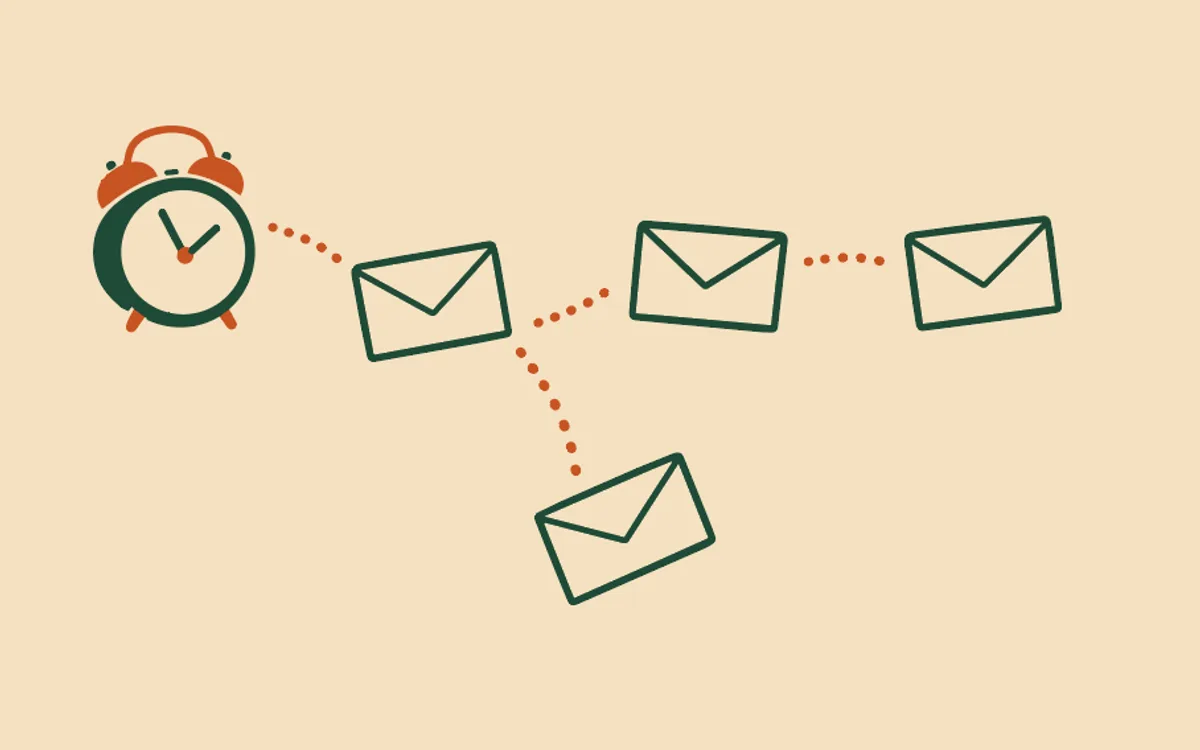
The enquiry follow-up: up to two emails. A gentle “did you get what you needed?” about two days after someone submits your enquiry form. An optional last, friendly invitation to reply or book, about five days after that, if the first goes unanswered. Both are worded to read kindly whether or not you already replied yourself - because bernard genuinely doesn’t know, and pretending otherwise would be dishonest.
That’s why Mark resolved matters more here than on any other journey. It’s the button on that contact’s row in Contacts, and it’s the only way to tell bernard the conversation is actually done - press it, and the follow-up stops immediately, whether or not either email has gone out yet. The journey also stops on its own if they buy from you, if they unsubscribe, or if you switch it off - see Change or pause my automatic emails. How do automatic emails work? has the wider rules every journey follows, and Who actually receives my automatic emails? covers why replying to an enquiry never needs separate marketing consent in the first place.
Questions people ask
- What does the enquiry follow-up send?
- Up to two emails: a gentle ‘did you get what you needed?’ about two days after someone submits your enquiry form, and an optional final, friendly invitation to reply or book about five days after that. You choose whether to include the second one.
- Can bernard tell if I’ve already replied to the enquiry?
- No - and the emails are worded honestly around that limit. Bernard can’t see your inbox or read your replies, so the check-in never claims you’ve gone quiet; it’s written to read kindly and land fine even if you already answered by email yourself.
- How do I stop it once I’ve dealt with an enquiry?
- Press ‘Mark resolved’ on that contact’s row in Contacts. That’s the signal bernard can’t get any other way - you telling it the conversation is done - and it stops the follow-up immediately, whether or not either of the two emails has gone yet.
- What else stops it?
- If they buy from you, the follow-up stops - a customer doesn’t need chasing about an enquiry they’ve since acted on. Unsubscribing or you switching the journey off stop it too, the same as any journey.
- How do I set it up?
- On the Automatic emails tab, press ‘Ask Bernard to set this up’ on the ‘Follow up on an enquiry’ row. There’s little to draft - Bernard writes a short, honest check-in and shows you the plan; approve it and it applies to enquiries submitted from then on, not the ones already sitting in your inbox.