I want my photos grouped - press shots here, the winter launch there
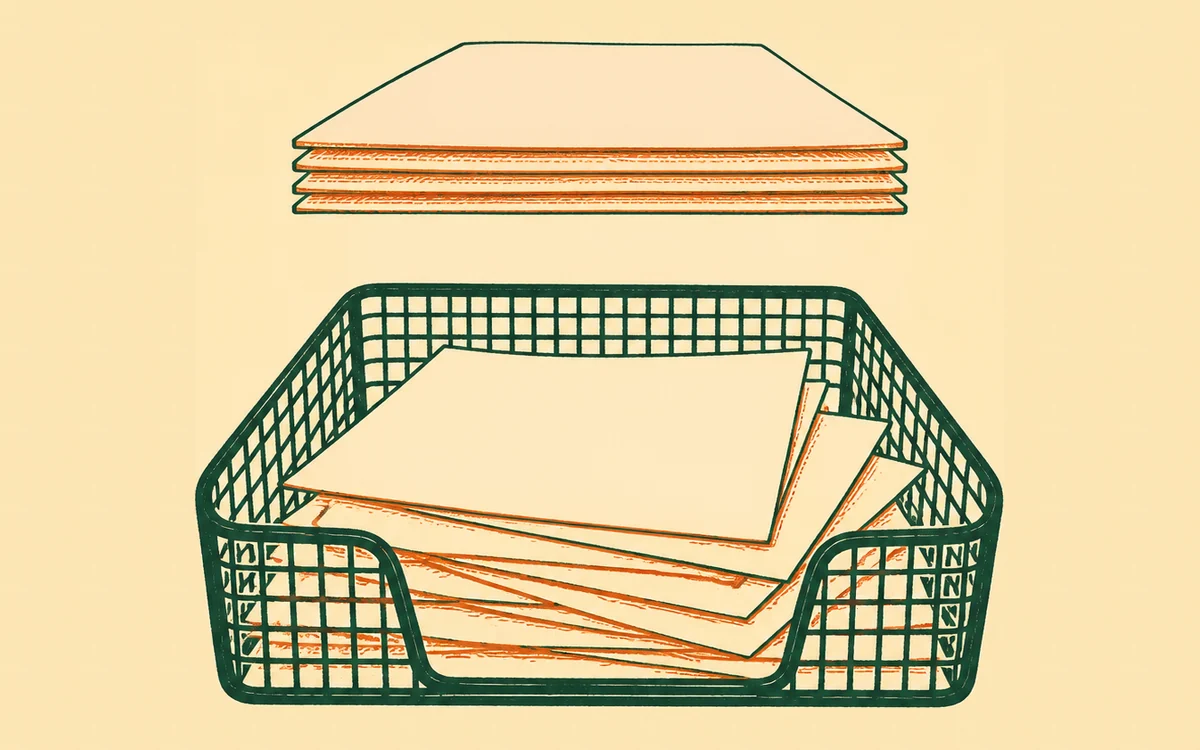
A library where everything is one long stream works until the day you need “the six photos we send journalists” and have to fish them out one by one, again. Sets fix that: name the group once, then ask for it by name forever.
The prompt
“Make a set called [Press pack / Winter launch / Studio shots] and put the right photos in it - search my library for [what they show or how they’re tagged] and show me what you found before filing them.”
Signed in, Get my prompt fills in your site for you. Otherwise press Copy and fill in the [bracketed] parts. First time? Connect your AI to bernard once: Use your own AI (opens in a new tab).
Name the group, then talk in its name
Ask your assistant to make a set - “Press pack”, “Winter launch”, “Studio shots” - and file photos into it. From then on the name is enough: “use the Press pack photos on the About page”, “build a gallery from the Winter launch”. Photos go in by the batch, a photo can live in any number of sets at once, and taking one out of a set doesn’t touch the photo itself - its record card, its rights notes and every page it’s placed on all stay exactly as they were.
Two small courtesies the library does for you: it won’t let two sets share a name (so “Press pack” always means one thing), and filing a photo that’s already in the set does nothing rather than creating a duplicate.
How sets differ from tags and the brand kit
Three tools, three jobs:
- Tags describe a single photo - “market stall, summer 2025” - and make it findable by what it is. See My photos are a mess - help me organise them for getting those in order.
- Sets are deliberate groups you curate. Nothing joins a set by accident; membership means you put it there.
- The brand kit is the short shelf of files that ARE your brand - the real logo, the hero shots. It answers “which image represents us?”, not “which images belong together?”.
A well-run library uses all three: tags so anything can be found, sets so groups can be asked for by name, and the brand kit so the right logo wins every time.
Good first sets
Start with the groups you already reach for: a press pack for journalists, one set per collection or launch, a “website heroes” set of the shots worth leading with. Ask your assistant to search the library by tag or by what’s in the shot, show you the candidates, and file the ones you confirm - five minutes now saves the same hunt every time after.
Questions people ask
- What’s the difference between a set and a tag?
- A tag describes what one photo is; a set is a group you’ve curated on purpose. A tag like “studio” catches everything that happens to match; a set called “Press pack” holds exactly the photos you chose, and nothing sneaks in. The same photo can sit in as many sets as you like.
- Does putting a photo in a set change my website?
- No - filing photos into sets is librarianship, not a site change, so there’s nothing to preview. When you later use a set to build something - a gallery from your “Winter launch”, say - that page change lands in the private draft you approve before it goes live.
- Does a set say anything about rights or which photos are best?
- No. A set is purely a grouping - it doesn’t grant permission to use a photo, and it isn’t approval of anything. Rights live on each photo’s own record card, and the brand kit remains the separate “always use this” shelf.