Start automatic emails when I give someone a tag
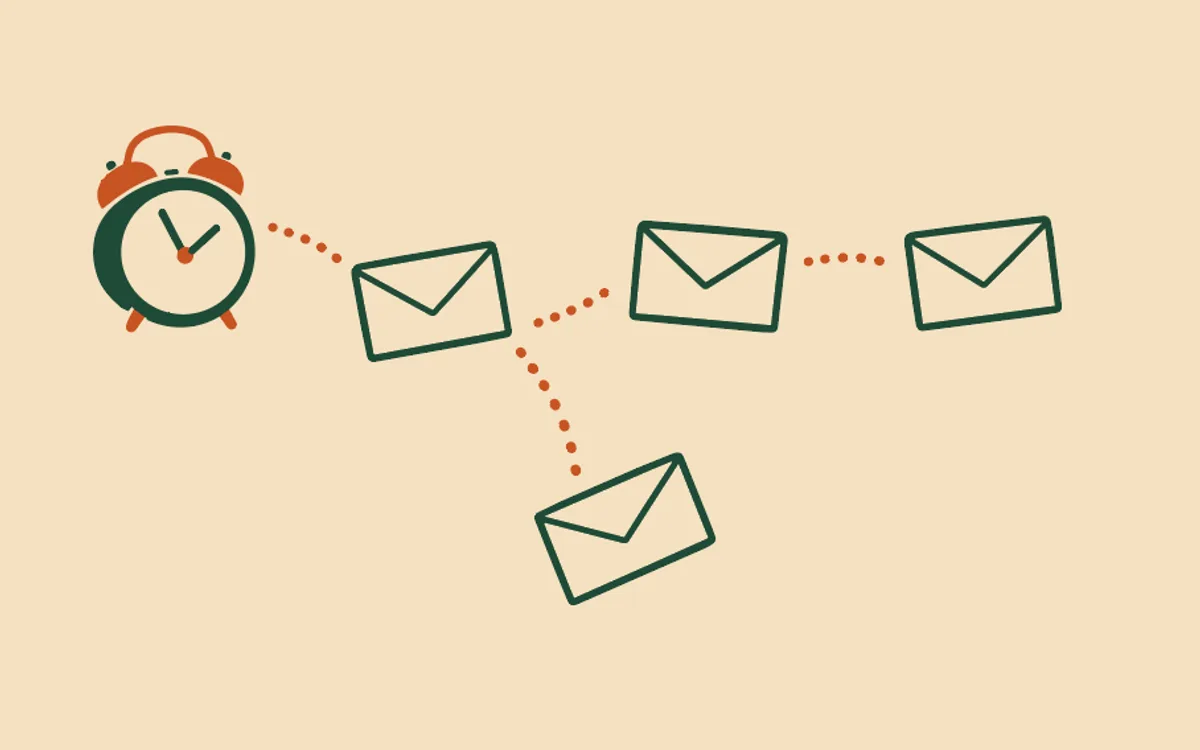
You give people tags to group them: “new member”, “workshop May”, “wholesale”. Now a tag can also start a series of automatic emails. Give someone the tag, and the emails go to them one by one, on the days you chose.
The prompt
“When I give someone the tag [tag name], send them [what each email says, and how many days apart]. Show me the plan before you switch it on.”
Signed in, Get my prompt fills in your site for you. Otherwise press Copy and fill in the [bracketed] parts. First time? Connect your AI to bernard once: Use your own AI (opens in a new tab).
Lists are tags here. If you used lists in ActiveCampaign, “when someone subscribes to my list” is the same thing. Each list you import arrives as a tag.
How it works. You choose one tag. You choose up to 20 steps, and each step goes a number of days after the tag is put on. Day 0 means within about an hour. Each step goes to each person once. You can have one set of these emails for each tag.
What puts the tag on. Any of these start the series:
- you, on the contacts page;
- a bulk tag change;
- Bernard, when you ask;
- a step in another automatic email (Get told when a student reaches a point in my course);
- adding someone by hand (below).
Tags that arrive with an import never start it. People who already have the tag when you switch it on are not started. It starts for a person the next time the tag is put on them.
Once per person. Giving the tag again repeats nothing. Taking the tag off does not stop it. To stop it early, give it a goal, such as “they have the tag bought”, or take the person out.
Skip rules. A step can be skipped when a person has a tag, or when one of your contact fields holds a value. These emails have no course, so they cannot check course progress. For emails that follow a course, see Email my students when they reach each point in my course. Inside those course emails, a step can also start when a student on that course is given a tag.
Add someone by hand
Ask Bernard to start the emails for a named person or a list of people, up to 200 at a time. Bernard first shows you who will start and who cannot, and why:
- they are not on the course (for course emails);
- they are already in it;
- you took them out of it before;
- they are on hold;
- bernard has no permission to email them.
Nothing starts until you approve. For a set of tag emails, adding someone by hand also puts the tag on them. The usual rules still apply when each email is due: permission to email, the do-not-email list, the “on hold” tag, and at most 1 automatic email a day.
Take someone out
Only the account owner can take a person out of automatic emails. Ask Bernard. It tells you how many waiting emails it will cancel, and waits for your approval. What was already sent stays sent. The person then stays out: no lesson, tag or nightly check puts them back. If you change your mind, ask Bernard to add them again.
To see what one person got, and why, see Why did a student get that email, or not get it?. To pause one person for a while instead, see Pause the automatic emails for one student.
Questions people ask
- What starts these emails?
- Putting the tag on a person. You can do it on the contacts page, in a bulk tag change, by asking Bernard, or another automatic email can do it with a step. Each email then goes a number of days after that moment.
- I used lists in ActiveCampaign. Is this the same as someone joining a list?
- Yes. In bernard a list is a tag, so “when someone subscribes to my list” becomes “when someone is given this tag”.
- Do people who already have the tag get the emails?
- No. The emails start for a person the next time the tag is put on them after you switch them on. Tags that arrive with an import never start them, so an import of a thousand people does not send a thousand welcomes.
- Does taking the tag off stop the emails?
- No. Each person goes through the series once. To stop it early for everybody who reaches a point, give it a goal. To stop it for one person, ask Bernard to take them out. Only the account owner can do that.
- Can I add someone by hand?
- Yes. Ask Bernard. It shows you who will start and who cannot, with the reason, and waits for your approval before anything starts. The usual rules still apply when each email is due.
- Can the on hold tag start one of these?
- No. The “on hold” tag pauses a person’s automatic emails, so it can never start any.