Welcome a new subscriber automatically
Someone signs up to hear from you, presses “Yes, keep me posted,” and then - often - nothing, until your next newsletter three months later. That first quiet stretch is exactly when you lose the goodwill of someone who just said yes.
The prompt
“Set up the ‘welcome a new contact’ journey for my site. After I say hello, the best-work email should highlight [your best work or story], and [do / don’t] include a gentle pointer to what you offer.”
Signed in, Get my prompt fills in your site for you. Otherwise press Copy and fill in the [bracketed] parts. First time? Connect your AI to bernard once: Use your own AI (opens in a new tab).
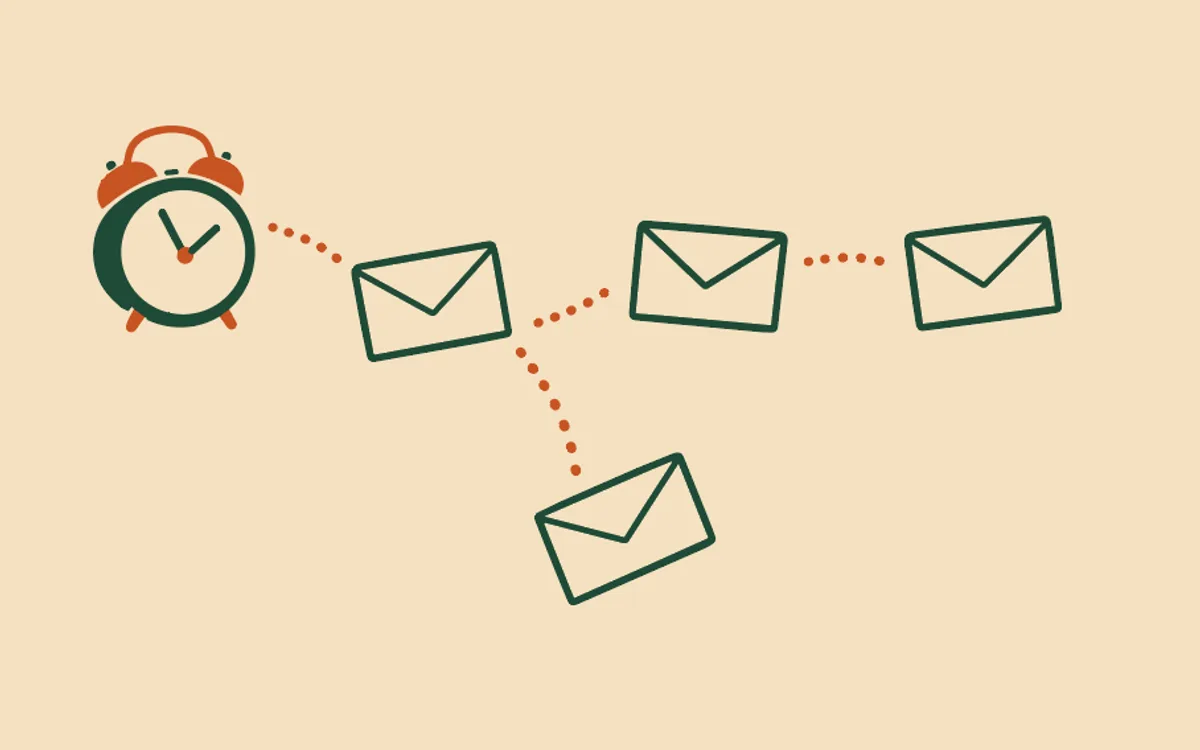
The welcome sequence fills it: up to three emails, starting the moment someone confirms. A proper hello a day or so later - who you are, what they can expect from you. Your best work, or a story about it, a couple of days after that. And, if you want it, a gentle pointer to what you offer about a week in - no harder a sell than that.
Setting it up is the usual conversation: Bernard reads your site first, asks the few things only you know - mainly, what you’d want a brand-new subscriber to see first - writes all three emails in your voice, and shows you the full plan before anything sends. Remind people who didn’t confirm their signup is the step just before this one: someone has to press confirm before the welcome sequence can start at all, which is why Who actually receives my automatic emails? is worth two minutes if you haven’t read it. And like every journey, it only ever reaches people who confirm after you switch it on - see How do automatic emails work? for the wider rules, and Change or pause my automatic emails if you want to adjust it once it’s running.
The welcome sequence goes to everyone who confirms, from any form. To welcome the people from one form only, give that form a label: each person who signs up through it gets the tag “form: “ and the label, and Start automatic emails when I give someone a tag shows how to start emails on that tag.
Questions people ask
- What does the welcome sequence send?
- Up to three emails, and only after someone confirms: a proper hello a day or so later - what to expect from you - your best work or a story about it around day three, and an optional gentle pointer to what you offer about a week in. You choose whether to include that third email.
- How do I set it up?
- On the Automatic emails tab, press ‘Ask Bernard to set this up’ on the ‘Welcome a new contact’ row. Bernard reads your site first, then asks the couple of things only you know - mainly, what you’d want a brand-new subscriber to see first - writes the three emails in your voice, and shows you the full plan before anything sends. Approve it and it’s on.
- Does this run for everyone on my list, or just new sign-ups?
- Just new ones, and only once they’ve confirmed - see the confirmation reminder article for the confirm step itself. People who joined and confirmed before you switched this on are untouched; it only reaches confirmations from that moment forward.
- Can I welcome the people from one form only?
- Not with this sequence: it goes to everyone who confirms, from any form. Instead, give the form a label. Each person who signs up through it gets a tag made from the label (“form: “ and the label), and automatic emails that start on that tag welcome that form’s sign-ups only. See the article on starting automatic emails with a tag.
- What stops it?
- Unsubscribing stops it immediately, and so does switching the journey off. There’s no purchase involved in a subscribe, so there’s no refund to worry about - those two switches are the whole story.
- Can I edit the emails later?
- Yes - every step’s words are editable on the Automatic emails tab any time. Approval only comes back into it if you change the timing or add or remove a step; wording you can change freely.