Email my students when they reach each point in my course
Most course emails go out on a calendar: two days after they join, a week after they join. But your students do not move on a calendar. One finishes Module 3 in the first week; another takes a month. An email that says “well done on Module 3” should arrive when they finish Module 3, not on day 10.
The prompt
“Set up emails for [course name] that follow each student’s progress: [e.g. a well done when they finish Module 3, a nudge when they pass every required quiz, a thank-you when they finish].”
Signed in, Get my prompt fills in your site for you. Otherwise press Copy and fill in the [bracketed] parts. First time? Connect your AI to bernard once: Use your own AI (opens in a new tab).
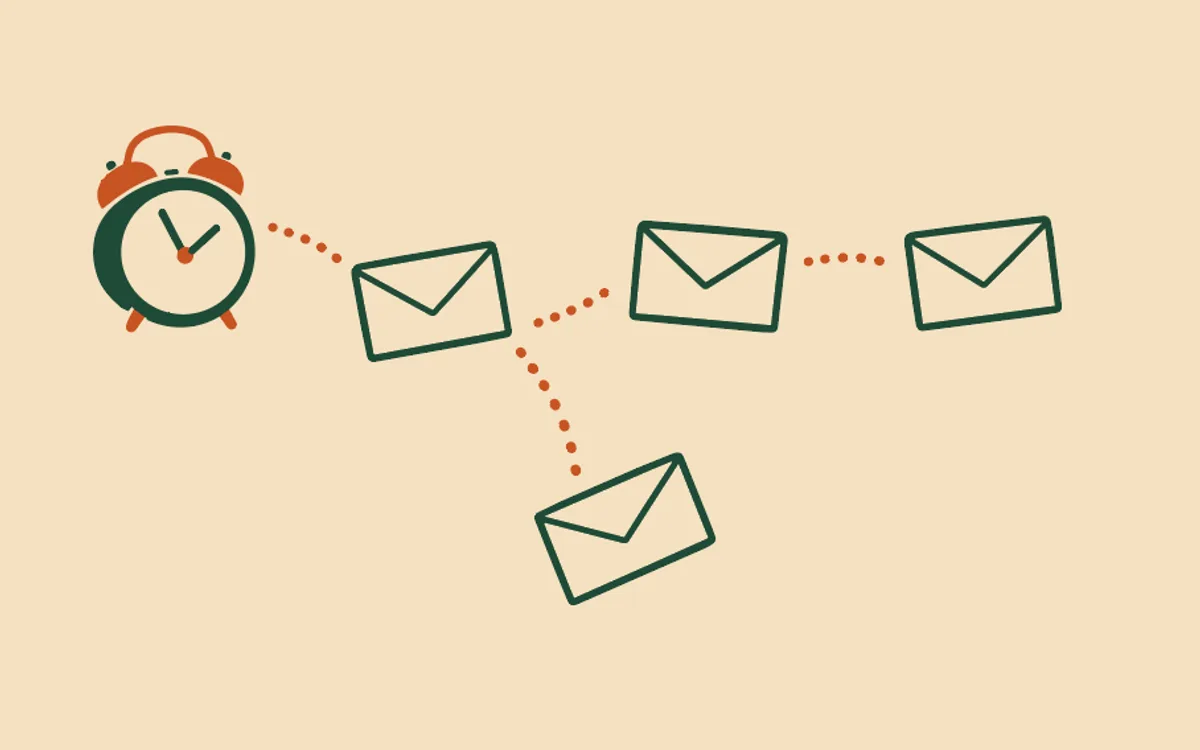
These emails follow each student instead. You choose the moments, bernard watches for them, and each student gets the email when they reach it.
The moments you can use. An email can start when a student:
- enrols on the course;
- finishes a lesson - any lesson, or one you name;
- finishes a module - any module, or one you name;
- passes a quiz - any quiz, or one you name;
- passes every required quiz;
- finishes the course;
- gets their certificate.
Each email can go straight away or a number of days after that moment. One course can have up to 20 of them, and you set them up once, for that course.
How to set it up. Ask Bernard for “emails that follow my students through [course name]”. Bernard reads the course first - its modules, its lessons and its quizzes - so it asks only what it cannot see: which moments matter to you, and anything you want said. It writes every email in your voice, shows you the whole plan in plain English, and waits. Nothing sends until you approve the plan and switch it on.
Things that are good to know.
- “Straight away” means within about an hour. bernard sends these at its next hourly run. A student also gets at most 1 automatic email a day, so if they finish two modules in one afternoon, the second email goes the next day.
- Each email goes to each student once. A student who watches a lesson again, or retakes a quiz they already passed, does not get the email twice.
- The order is the student’s, not the list’s. A student who finishes Module 3 before Module 2 gets the Module 3 email first. If one email must wait for another, give it a skip rule, for example “skip if Module 2 is not finished”: Stop a course email going to a student it no longer fits.
- Nothing is sent for what came before. When you switch it on, it starts for nobody. Each student starts at the next thing they do.
- A lesson counts as finished when its video ends or most of it has played. A text lesson or an audio lesson has no finish signal yet, so a module or course that contains one cannot finish on its own. Plan your moments around the video lessons and the quizzes for now.
For now a site can have one of these, for one course. To greet each student by name and name their course inside these emails, see Put each student’s name and course in my automatic emails. For how approval works, and what stops every automatic email, see How do automatic emails work?.
Questions people ask
- What can start one of these emails?
- A student enrolling, finishing a lesson (any lesson, or one you name), finishing a module (any, or one you name), passing a quiz (any, or one you name), passing every required quiz, finishing the course, or getting their certificate. Each email can go straight away or a number of days later.
- How many emails can one course have?
- Up to 20. Each one goes to each student once.
- What does “straight away” mean?
- At bernard’s next hourly run, so within about an hour of the moment. A student also gets at most 1 automatic email a day, so a second one waits for the next day.
- Do students who are already part-way through get emails for what they did before?
- No. Nothing is sent for anything a student did before you switch it on. Each student starts at the next thing they do after you approve it and switch it on.
- Can a text lesson or an audio lesson start an email?
- Not yet. A lesson counts as finished when its video ends or most of it has played. A text or audio lesson has no finish signal yet, so a module or course that contains one cannot finish on its own.