Deliver a course by email automatically
Some things you sell aren’t a product to unwrap - they’re a course to work through - and the best way to teach one by email is one lesson at a time, arriving just often enough to keep momentum without turning into homework.
The prompt
“Set up the ‘deliver an email course’ journey for [your course]. Lesson one should cover [what it teaches], lesson two [what it builds on], lesson three [what it finishes], and [do / don’t] include a wrap-up email.”
Signed in, Get my prompt fills in your site for you. Otherwise press Copy and fill in the [bracketed] parts. First time? Connect your AI to bernard once: Use your own AI (opens in a new tab).
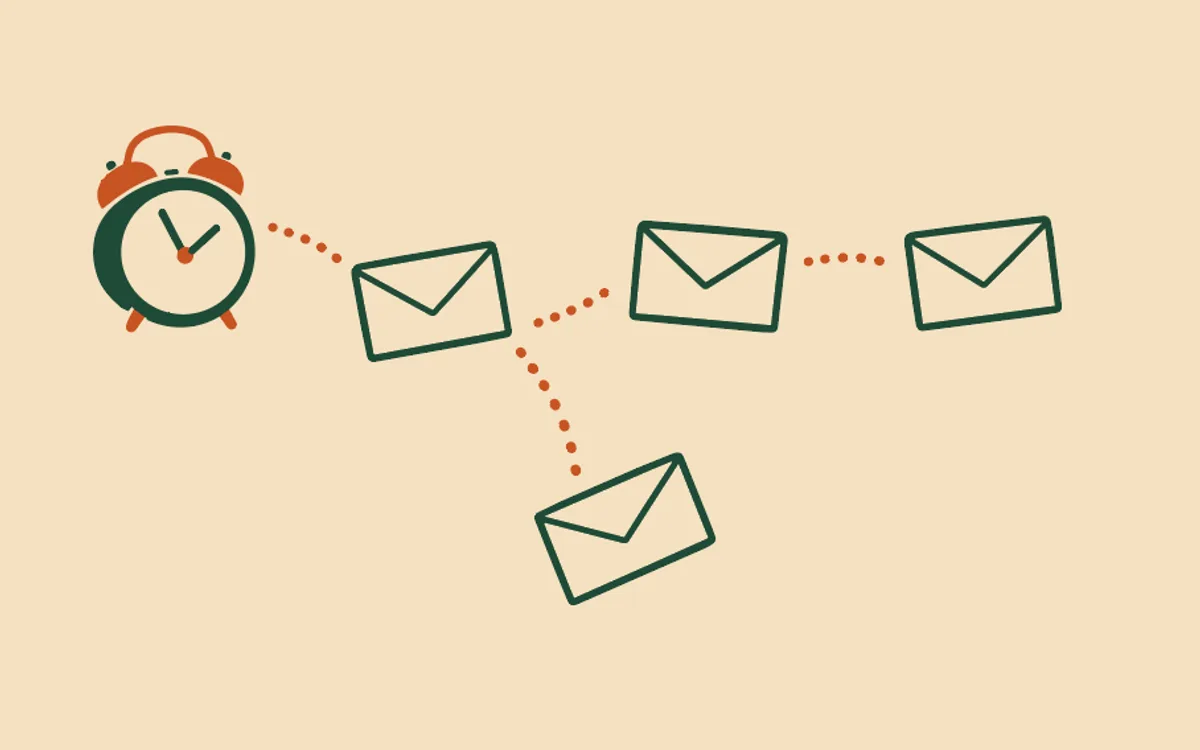
That’s the email course: up to four emails, starting the moment someone enrols. Lesson one lands straight away, no waiting for a portal to load. Lesson two follows around day three, lesson three around day seven, each building on the last. An optional wrap-up, weeks later, recaps what they learned and points at what’s next.
It shares a trigger - enrolment - with Look after a new student automatically, which does a different job: that journey supports a learner working through a course you’ve built elsewhere on your site, while this one delivers the teaching itself, by email. You can run either on its own, or both together for the same course. Because they fire on the same event, it’s worth deciding deliberately rather than switching both on and finding out later - Bernard will ask, and help you choose, when you set either one up. If you want emails that arrive when a student reaches a point in a course you teach on your site, rather than on a schedule, that is a different set: Email my students when they reach each point in my course.
Setting it up is the usual conversation: Bernard reads your course, asks what each lesson should actually teach, writes the emails in your voice, and shows you the full plan - what sends, when, and what stops it - before anything goes out. See How do automatic emails work? for how every journey works, and Who actually receives my automatic emails? for who’s eligible to receive one in the first place.
Questions people ask
- What does the email course send?
- Up to four emails: lesson one the moment they enrol, lesson two around day three, lesson three around day seven, and an optional wrap-up a few weeks later with a recap and what’s next. You choose whether to include the wrap-up and roughly when it lands.
- How is this different from the new-student journey?
- ‘Look after a new student’ is a companion - access details and encouragement while a learner works through a course you’ve built elsewhere on your site. This journey is the teaching itself, delivered by email, one lesson per message. Both trigger on the same event, enrolment, so you can run this instead of, or alongside, the new-student journey.
- Can I run this alongside the new-student journey?
- Yes - both start on enrolment, and a learner receives both if you switch both on. Most people pick one deliberately rather than doubling up; Bernard will ask which fits your course and talk you through the difference before you approve either one.
- How do I set it up?
- On the Automatic emails tab, press ‘Ask Bernard to set this up’ on the ‘Deliver an email course’ row. Bernard reads your course first - what it covers, how many lessons - then asks what each early email should actually teach. It writes the lessons in your voice and shows you the full plan; nothing goes out until you approve it.
- What stops it?
- A refund stops the course for that person immediately, as does unsubscribing or you switching the journey off. Nobody gets lesson four after asking for their money back.