What is the media library - and what can I do with it?
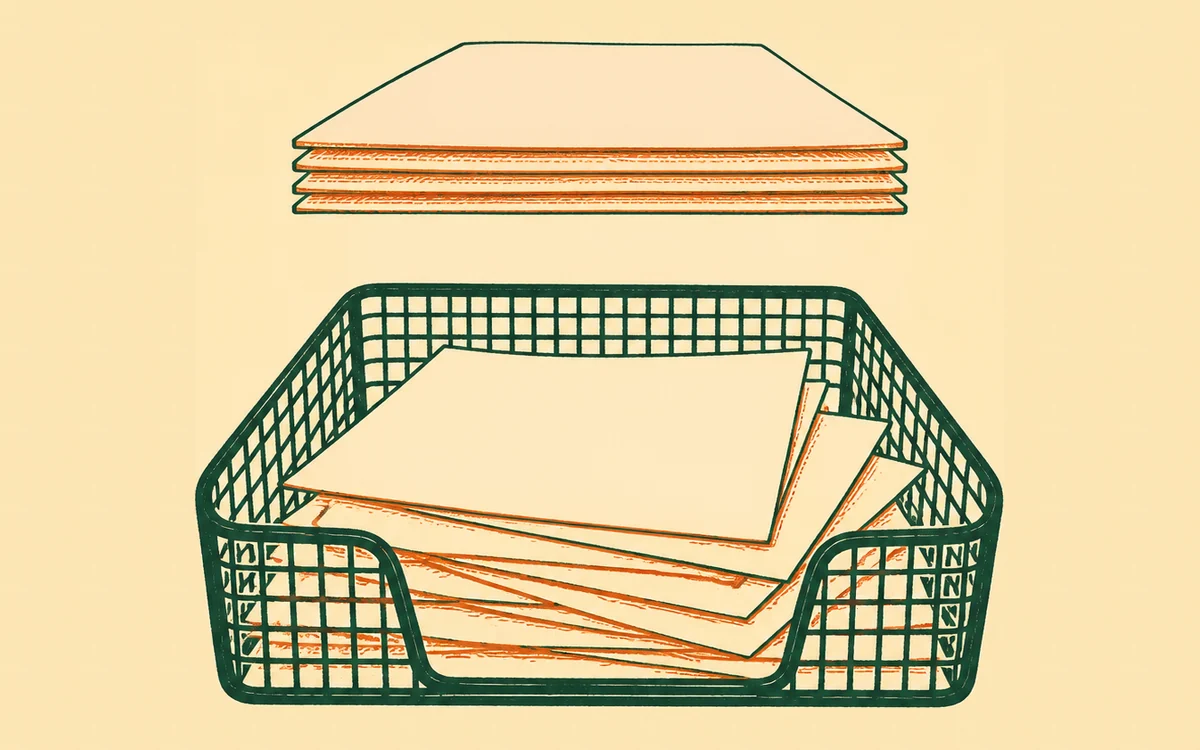
Your site’s photos and files aren’t just a folder of uploads - each one has a record card: what it shows, whose it is, whether it’s cleared to publish, and where it’s used. The library is those cards, kept by your assistant, so that “the photo of the blue vase from the studio shoot” is something it can actually find, check and reuse - not a filename only you remember.
The prompt
“Give me a tour of my media library - how many photos have records, what’s missing titles or rights, and what you’d tidy first.”
Signed in, Get my prompt fills in your site for you. Otherwise press Copy and fill in the [bracketed] parts. First time? Connect your AI to bernard once: Use your own AI (opens in a new tab).
What you can do with it
Find things by what they are. Search “market stall” or “the tall ceramic piece” and get the photo, whatever your phone named it. Titles and tags make that work, and your assistant helps write them - or fills the blanks itself in capped batches (My photos are a mess - help me organise them).
Choose a photo for a post. A social post on your calendar picks its photos from this same library, with the same search and tags, and can upload a new one straight into it (Can I use a photo or a film I made on my phone or in another app?). A blog post or an email on your calendar picks its picture at the top the same way. When Bernard makes a short film from your photos for a post, the film lands in this library too, beside the photos it was made from, and goes on the post (Make a photo move for Instagram, Facebook and LinkedIn).
Gather photos into sets. A press pack, a winter launch, the studio shots - named groups you can ask for wholesale when building a page (I want my photos grouped - press shots here, the winter launch there).
Mark what’s really you. The brand kit is the shortlist that IS your brand - the actual logo, the photos you’d want reached for first (My photos are a mess - help me organise them).
Keep rights honest. The card records whose photo it is and what you may do with it - and the photo often helps: embedded credits, Content Credentials and AI-generated marks are read as evidence (Am I allowed to use this photo?). Photos without a signed-off record are held back from publishing, which is a feature, not a fault (Why won’t it let me publish - something about a photo? and How do I sign off a photo before it’s used?).
Know where everything is used. Before deleting or swapping a photo, ask where it appears - every placement is on the card (Where’s that photo of ours - the one from the summer market?).
See what each site is actually carrying. The Your files tab lists the files you’ve sent your assistant in chat, which wait a week and then clear themselves, alongside the documents, video and audio that live with the site for good - and lets you clear the chat ones out in one go (Where do the files I send Bernard go - and how do I clear them out?). The same tab shows how much room each site has left, and what is filling it (How much room does my site have - and what’s using it?).
Adopt what’s already there. A site that moved in with photos aboard can have every one of them brought into the library in one pass, each starting rights-unknown until you say otherwise - honest by default.
Check a video or audio file actually plays. A black screen, a silent track, or a video that works on your computer but not your phone is usually a fixable fault in the file itself, not a broken upload (Why won’t my video play?).
Where it earns its keep
The library is why “use one of the studio shots on the new page” works as a sentence. Your assistant checks the set, picks a signed-off photo, places it, and the change waits in your draft for approval - the librarianship happened long before, a card at a time.
The housekeeping jobs each have their own page: sort out photos with meaningless names, clear out duplicates, download or archive photos and license or sell your photos to others.
Questions people ask
- Do I have to set the library up before I can use it?
- No. It fills itself as you go - every photo you add gets a card on arrival. And if your sites arrived with photos already on them, press “Bring my photos in” on the Library page (or ask your assistant) and Bernard goes through every site in one pass, gives each photo a card, and then names and tags them for you in the background. Safe to press again any time - photos already in the library are left exactly as you filed them.
- Is organising the library going to change my site?
- No - filing is librarianship, not publishing. Titles, tags, sets and rights notes live on the record card; nothing on your pages moves. It’s only when you use the library to build something - a gallery from a set, a swapped homepage image - that a change lands in your private draft for you to approve.
- What’s actually on a record card?
- What the photo shows (title, description, tags), whose it is and what you’re allowed to do with it, whether it’s signed off for publishing, where it appears on your site, and anything the file itself declares - the photographer’s embedded credit, a Content Credentials mark, even whether it says it was AI-generated.